
Following this article:
How Do I Use My Own Mail Client to Send & Receive Mail Using My IMC Email Address?
you may want to use your IMC e-mail on your iPhone, and be able to send mails from your @irishmountaineeringclub.org e-mail address. This article tells you how.
Key thing is not to delete mails from the mail server. The instructions above tell you how to link it if you use the desktop version of gmail.
For a Mac or iPhone use the iMAP settings, listed in this FAQ. Currently they are imap5r.cp.blacknight.com
So on my phone (iOS 10.3.3) to set up mail I go to:
Settings
Accounts
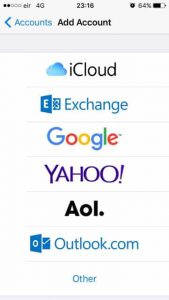
Add Account

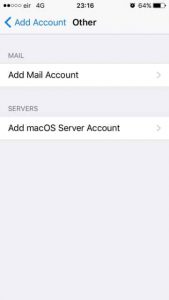
Choose ‘Other’
Add Mail Account
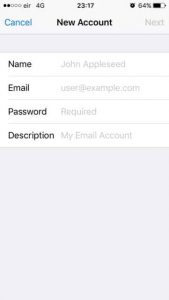
Enter Name , Email, Password (get this from the webmaster if you have not already done so) and a Description
(My example details)
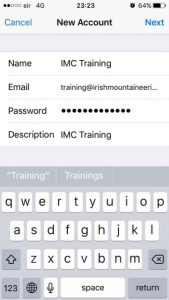
Next fill in the incoming and outgoing mail server. Incoming is imap5r.cp.blacknight.com. Outgoing depends on your network provider – just google “Outgoing SMTP for [insert the name of your network provider here]” – should be fairly easy to find – ask the webmaster if you have problems with this.
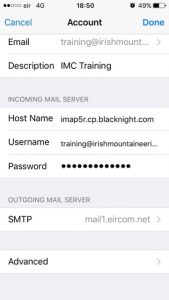
The phone will start Verifying your credentials this can take a minute…
Once done, you have the choice of enabling Notes – I choose not to:
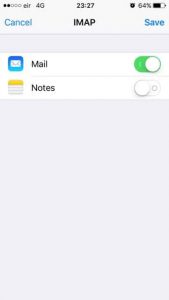
This is it – now go to you Mail app and the new account will be visible as a new mailbox. All that remains is to create a default signature.